
Featured Article
Implementation
How do you trace a voice AI call through CRM actions?
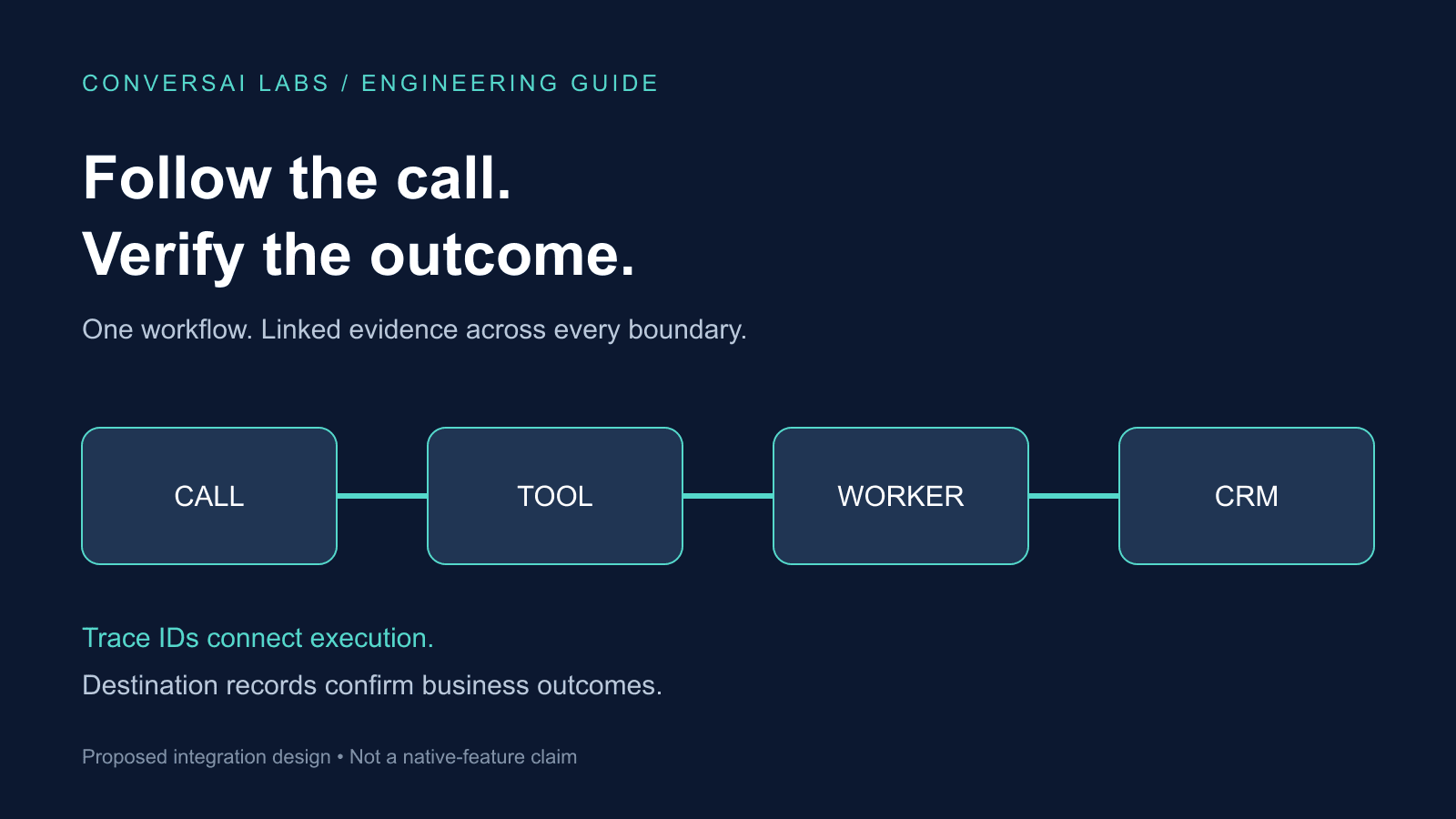
Assign an opaque workflow ID, record each call and tool attempt separately, and carry correlation context across the services you control. Then connect the conversation timeline to the destination record that proves the business action happened. A connected call, a completed model response and a saved CRM task are three different outcomes.
This guide proposes an engineering design for developers and marketing operations teams. ConversAI Labs publishes it; it is not comparative testing or a claim that every control described here is built into the platform.
Why is a call ID alone not enough?
Consider a lead who asks for a callback. The call connects, the agent collects a time, a worker creates a CRM task, and the CRM response arrives after the caller hangs up. Support sees a completed call. Marketing sees no task in its usual view. Engineering sees an HTTP request with a different identifier.
Searching by a telephone number is an unreliable way to join those records and exposes contact details unnecessarily. Instead, decide which identifiers link the work before the pilot starts.
| Identifier | What it identifies | Suggested handling |
|---|---|---|
| Workflow ID | One intended business operation | Opaque, scoped to the workspace |
| Call ID | One provider call attempt | Preserve the provider value in restricted operational records |
| Tool attempt ID | One execution attempt | New value for each retry |
| Trace and span IDs | Technical execution and its sub-operations | Generated and propagated by instrumentation |
| Destination record ID | The resulting CRM task or booking | Save after confirmation and verify within the authorized workspace |
Keep these concepts separate. A workflow may involve several call attempts, and one call may perform multiple independent actions. An identifier used for tracing is also not automatically an idempotency key: retry safety needs its own operation-level contract.
What should each stage record?
For the systems you own, start with a small event contract: workflow ID, stage, timestamp, attempt number, outcome and application version. Include a workspace scope and enforce access to that scope. Store references to sensitive records rather than copying their contents into general logs.
OpenTelemetry describes traces as related spans, with spans representing individual operations and carrying timing, attributes and relationships. Apply that model to the call session, tool request, queue processing and destination verification. For asynchronous work, span links can connect a later operation to the earlier trace.
| Stage | Useful evidence | What it does not prove |
|---|---|---|
| Call connected | Provider call ID and connection timestamp | The caller completed the intended task |
| Action requested | Authorized operation and attempt ID | The CRM accepted the write |
| Worker processed | Queue receipt and processing outcome | The destination record is correct |
| Destination confirmed | Record ID and verification result | The caller heard the confirmation |
| Caller informed | Conversation event tied to the active turn | A later change cannot invalidate the record |
These are proposed application events, not documented ConversAI API field names. Map them to the events your actual services expose.
How should context cross service boundaries?
Use a tracing library to propagate context between trusted HTTP services rather than constructing headers by hand. The W3C Trace Context recommendation defines traceparent and tracestate for this purpose. Its privacy guidance prohibits personally identifiable or sensitive information in those fields.
At a third-party boundary, record the provider request ID alongside your internal operation reference when available. If the provider does not return or preserve your context, use a controlled mapping in your own datastore; do not assume the remote trace is complete.
Tracing context is correlation data, not permission to access a tenant or perform an action. Authenticate the request and determine workspace access independently. Do not trust an incoming ID as proof that two operations belong to the same authorized customer.
How do you investigate a missing CRM task?
Start with one failing workflow and reconstruct its stages:
- Find the call attempt and the agent version used.
- Confirm whether the caller authorized the action and whether required fields were validated.
- Locate the tool attempt and its request outcome.
- Check whether a queue accepted the work and whether a worker processed it.
- Look up the destination record using the stored reference in the correct workspace.
- Compare the confirmed outcome with what the agent told the caller.
An accepted queue message means work was queued. A timeout means the caller of the tool did not receive a timely result; it does not prove the write failed. Follow the reconciliation approach in our booking verification guide before retrying an uncertain operation.
If the action succeeded after hangup, retain the completed business outcome separately from the call outcome. Use your approved follow-up process instead of attempting to speak into a closed session. Our tool timeout guide covers the caller-facing response while an operation is still uncertain.
What should you test before relying on the trace?
Use synthetic contacts in an isolated test environment. Exercise successful completion, rejected input, duplicate delivery, worker restart, CRM timeout and hangup before confirmation. For each case, check whether someone can reconstruct what happened without opening raw transcripts or searching personal contact data.
Also test missing context. A broken link should appear as incomplete evidence, not as a successful workflow. Check collector failures and retention limits: the absence of a stored trace is not proof that no call or action occurred. Sampled traces can help investigate execution, but should not replace an authoritative ledger for account counts, billing or business outcomes.
Start with one workflow and one destination system. Agree on the evidence that counts as success, add correlation at each boundary, and verify the final record. Use the ConversAI documentation to map the available call and workflow interfaces, then confirm the actual fields and events in your own integration.
About ConversAI Labs Team
The ConversAI Labs team writes about building and operating voice AI workflows.